Host a ZIP file online and get a link
ship.page and Netlify Drop both turn a ZIP into a live website without an account. ship.page is $0 for a 25 MB ZIP with up to 100 files and keeps the link 7 days; Netlify Drop deletes it within 1 hour unless you claim it.
Updated
| Host | StaticBackend score | Free plan and signup | ZIP upload limit | Link expiry with no account | Paid plan and custom domains | 18 MB folder live in |
|---|---|---|---|---|---|---|
| ship.page | 84/100 Top score | $0, no account | 25 MB ZIP, 100 files, 100 MB unpacked | 7 days; 30 days with a free account | Pro $4 a month: 100 MB ZIPs, no expiry while subscribed; custom domains on Team at $19 | 6.2 seconds |
| Netlify Drop | 77/100 | $0, no account to deploy | ZIP, folder or HTML file; no published total cap | Claim within 1 hour, then no expiry | Custom domains free once claimed; Personal $9 a month | 7.2 seconds (CLI, one run) |
| Cloudflare Pages | 45/100 | $0, Cloudflare account | ZIP or folder, 1,000 files, 25 MiB each | Account required, then no expiry | Custom domains free, 100 per project | 9.9 seconds at the production URL |
1. ship.page (84/100): Unzips the site with no account
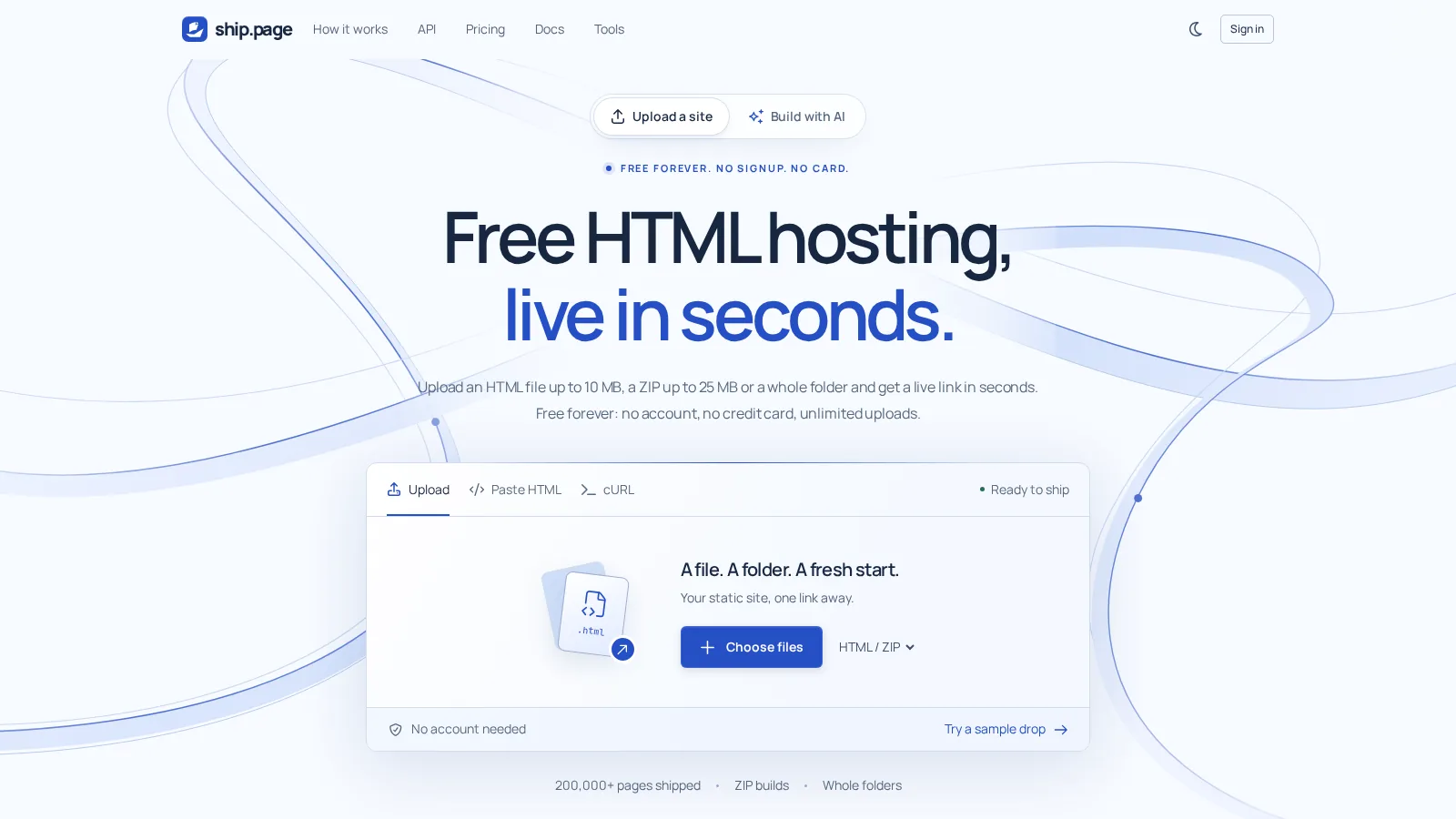
If you want to upload a ZIP and get a working website link without signing up, ship.page does that. You upload it in your browser, it unpacks the files, and you get an HTTPS address on ship.place.
The $0 plan takes a ZIP up to 25 MB, with up to 100 files and a total unpacked size of 100 MB. A single HTML file can be up to 10 MB. Check both the ZIP size and what's inside it; those are separate limits.
Your index.html needs to be at the top level of the ZIP, next to your CSS, JavaScript and images. Don't put everything inside an extra folder and zip that folder.
The link expires after 7 days if you leave it anonymous. Claim it with a free account and it stays online for 30 days from upload, not from the day you claim it.
Need it longer? Pro costs $4 a month and removes the expiry while you're subscribed. It also takes ZIPs up to 100 MB with up to 10,000 files, adds password protection, removes the badge and can bring expired uploads back.
Free pages have a small ship.page badge. Free uploads are limited to 10 a minute per IP, and the host serves static files only, not server code. Using your own custom domain requires Team at $19 a month.
There's also a deploy API that takes a ZIP in one request without an API key. In our test, the 18 MB folder containing 41 files went live in 6.2 seconds.
2. Netlify Drop (77/100): Takes the ZIP, keeps it for an hour
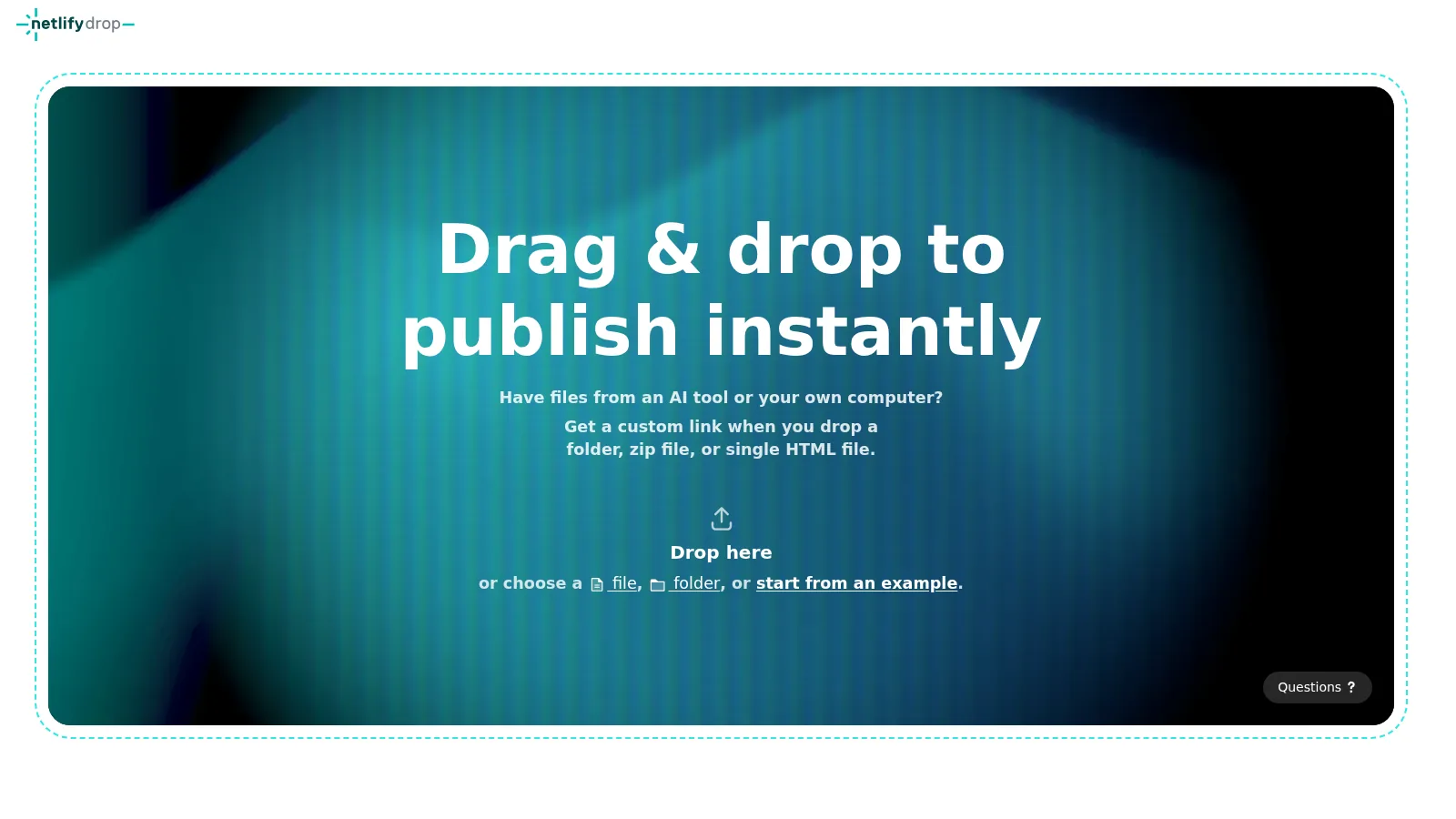
Netlify Drop accepts a ZIP, a folder or a single HTML file without an account. You don't have to start by setting up a project.
Watch the clock, though. Anonymous deploys are deleted within 1 hour unless you claim them with a free account. If you're handing someone the link, don't leave that part for later.
Once claimed, the project can stay on the $0 Free plan, which includes 300 credits a month and custom domains with SSL, but the project pauses if those credits run out. Personal costs $9 a month.
There's no published cap on total upload size. That isn't a promise of unlimited uploads, though: Netlify support advises keeping individual files under 10 MB.
Our folder timing was 7.2 seconds, using the CLI's anonymous deploy rather than the browser drop area. That's one run, not a median. Netlify also refused our 4th anonymous deploy that day with a daily limit error.
3. Cloudflare Pages (45/100): ZIP upload after signup, no expiry
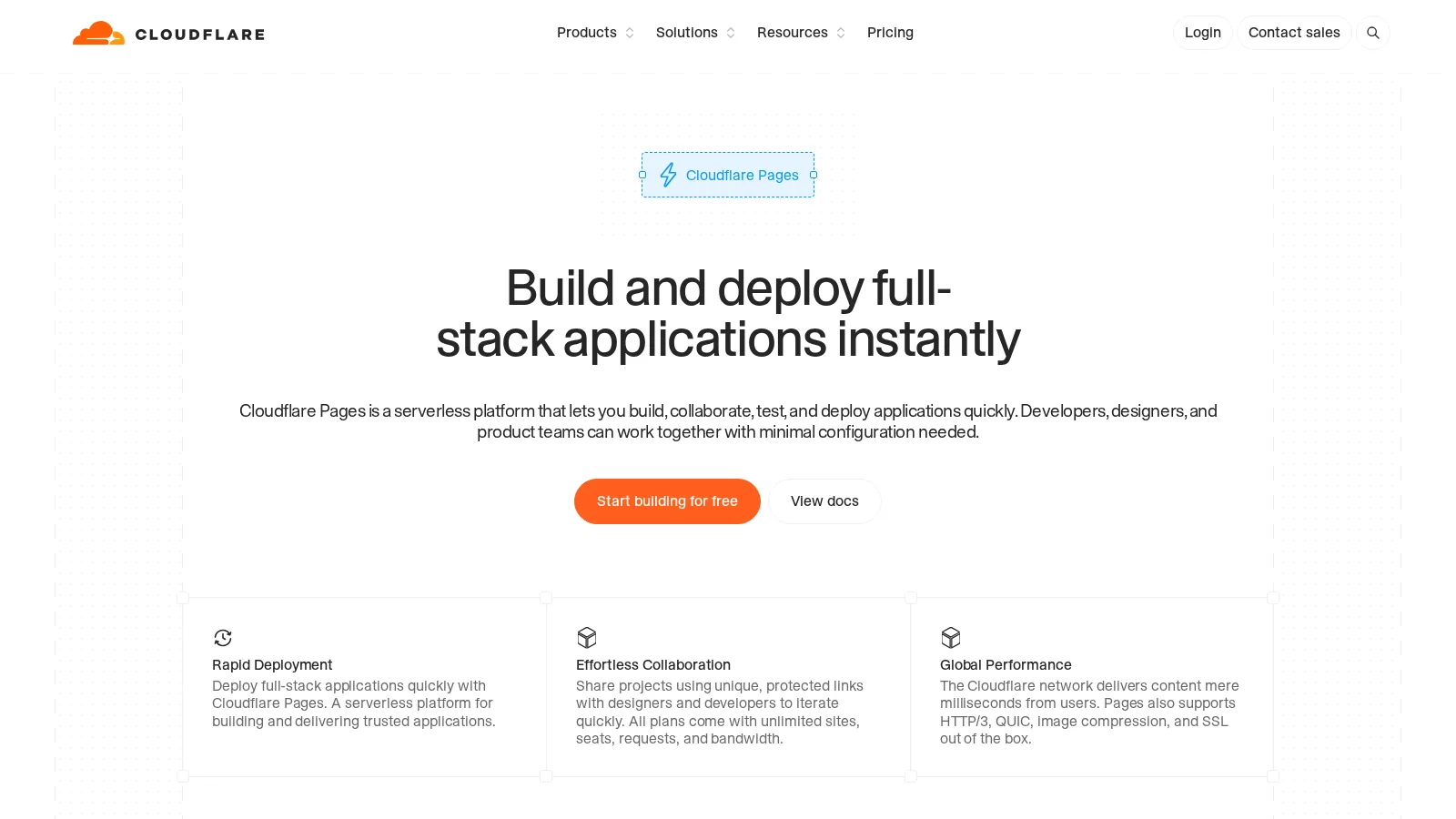
Cloudflare Pages needs a free account and a project before you can put anything live. There's no anonymous upload route here.
Once you're in the dashboard, you can upload a ZIP or a folder containing up to 1,000 files, with each file up to 25 MiB; using the Wrangler CLI raises the file count to 20,000.
The $0 plan has no expiry. It also includes up to 100 custom domains per project and no listed bandwidth cap. If you're fine creating an account, you don't have an anonymous-link deadline to keep track of.
In our test, the production URL served the page about 10 seconds after deployment started. The measured median was 9.9 seconds.
Open the website inside it, or download the ZIP file directly?
Do you want someone to open your website, or receive the ZIP itself? Those are different jobs.
All three hosts above unpack your ZIP and serve the website inside it. The link opens the site in a browser rather than downloading the archive, whether that archive contains index.html alone or your HTML with CSS, JavaScript and images.
If you want people to download the ZIP, a file-sharing link from Google Drive or Dropbox is simpler. A static host is the wrong tool for that.
You can also put the .zip file inside a site folder on Cloudflare Pages or GitHub Pages, then link to that file. In that setup, the browser downloads the ZIP instead of opening its contents as a website.
Also tested: GitHub Pages, Surge and Tiiny Host
GitHub Pages scored 41/100. It's $0 for public repositories, has no expiry and supports a custom domain with HTTPS. But it doesn't unpack your ZIP: you upload the site's files to a repository, then turn on Pages.
It's not allowed for an online business, an e-commerce site or commercial SaaS.
Surge scored 52/100. Its $0 plan has no expiry and allows 450 MB and 10,100 files per project, with free custom domains. There's no browser upload or ZIP upload. You unzip the site first, run npx surge in a terminal and create an account there.
Tiiny Host scored 33/100. You can drag in a ZIP or a file, but you need an account. The free plan allows 1 live project, 3 MB per project and 3 uploads a day. To keep the link online, you have to log in at least once every 3 months.
How we tested hosting a ZIP file online
Our scores use a 100-point rubric. Publishing without an account is worth 30 points, and the lifetime of that anonymous link is worth 25. The steps needed to get a live link count for 15, the free upload limit for 15, and the cost of keeping the link online for 15.
Limits and prices came from vendor pricing, documentation and help pages, checked in November 2026.
We ran timing tests on November 13, 2026 from a server in Frankfurt, using a 4.0 MB HTML file and an 18 MB folder of 41 files, with fresh random markers in every file.
The reported time runs from command start until the live page matches. We use the median, except for Netlify's folder result (one run). Only ship.page, Netlify and Cloudflare Pages were timed. Speed doesn't affect the scores.
The methodology page has the full rubric, every host's points and the commands.
Frequently asked questions about hosting a ZIP file online
Which free host takes a ZIP under 100 MB?
ship.page's free ZIP limit is 25 MB; its 100 MB ZIP limit requires Pro. Netlify Drop has no published total size cap, while Cloudflare Pages accepts ZIP uploads with up to 1,000 files, each up to 25 MiB.
Does index.html need to be at the top of the ZIP?
For ship.page, yes: put index.html at the top level, next to your CSS, JavaScript and images. It shouldn't be inside an extra folder.
How long does a hosted ZIP stay online?
An anonymous ship.page link lasts 7 days, or 30 days from upload if claimed with a free account; anonymous Netlify deploys are deleted within 1 hour unless claimed. Claimed Netlify projects can stay on Free but pause if credits run out, while Cloudflare Pages has no expiry on its $0 plan.
Can I password-protect a site from a ZIP?
ship.page includes password protection on Pro at $4 a month. It isn't included on the free plan.
Official pricing and documentation sources
- ship.page pricing
- ship.page deploy API
- ship.page limits and plans
- ship.page link expiry
- ship.page custom domains
- Netlify Drop
- Netlify deploys
- Netlify pricing
- Netlify support on file sizes
- Cloudflare Pages limits
- Cloudflare Pages direct upload
- GitHub Pages limits
- Creating a GitHub Pages site
- Surge pricing
- Surge getting started
- What is Tiiny Host
- Tiiny Host link lifetime
- Tiiny Host plan limits
Related static hosting benchmarks and guides